SMS Marketing
April 4, 2026
TheSMSBox Team
WhatsApp Broadcast vs Groups: Which One Drives Better Business Results?
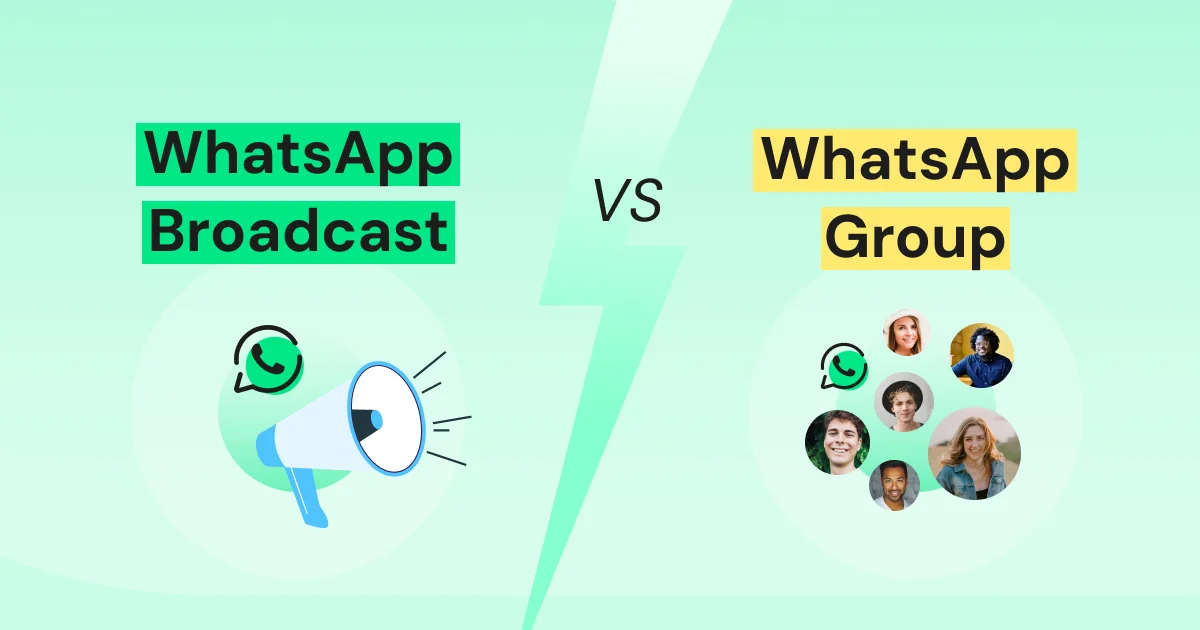
When it comes to communicating with multiple people at once, WhatsApp offers two powerful features: WhatsApp Broadcast and WhatsApp Group. While both are designed to simplify communication, they serve very different purposes depending on your business needs.
WhatsApp Broadcast is ideal for one-way communication. It allows businesses to send a single message to multiple recipients at the same time. These messages are delivered individually, ensuring privacy and giving a personalized feel. This makes broadcasts perfect for promotions, announcements, reminders, and important updates—without requiring recipients to actively engage.
On the other hand, WhatsApp Group is built for two-way communication and collaboration. It enables members to interact, share ideas, and participate in real-time conversations. This makes groups highly effective for team discussions, customer communities, and scenarios where feedback and engagement are important.
Group admins also have control over settings such as adding or removing members and managing group information, helping keep conversations organized and productive.
When comparing WhatsApp Broadcast vs WhatsApp Group, the key difference lies in how communication happens. Broadcasts focus on controlled, one-way messaging, while groups encourage open interaction and collaboration.
A broadcast (or campaign) allows you to send updates to multiple contacts at once using tools like the WhatsApp Business API. Recipients receive messages privately and cannot see each other’s responses, making it ideal for announcements, offers, and notifications.
In contrast, a WhatsApp group creates a shared space where everyone can communicate openly. It works best for discussions, brainstorming, and building engagement within a community.
In this guide, we’ll explore how both features work, when to use them, and how businesses can effectively engage their audience without unnecessary back-and-forth.
What is a WhatsApp Broadcast?
A WhatsApp broadcast (or campaign) allows businesses to send the same message to multiple contacts simultaneously, with each message delivered as a private chat.
For brands, this is a powerful way to share marketing updates, promotions, announcements, or service alerts while maintaining a professional and non-intrusive communication style.
Platforms like thesmsbox make it easier to manage broadcast campaigns at scale. Businesses can send personalized messages, automate communication using templates, and track campaign performance—all from a single dashboard.
How to Set Up a WhatsApp Broadcast?
Follow these simple steps:
Open WhatsApp Business App
Go to the Chats section
Access the menu (three dots on Android / Broadcast Lists on iPhone)
Select “New Broadcast”
Choose your contacts
Confirm and create the list
Start sending messages
Note: Only contacts who have saved your number will receive broadcast messages.
WhatsApp Broadcast: Practical Use Cases
1. Reach a Large Audience Easily
Send updates or promotions to multiple users at once without manual effort.
Example: A retail brand shares a weekend sale with thousands of customers instantly.
2. Maintain Privacy & Personalization
Messages feel personal since they are delivered individually.
Example: A healthcare provider sends private appointment reminders.
3. Automate with Templates
Use pre-approved templates for reminders, confirmations, and alerts.
Example: An education platform sends class schedules automatically.
4. Improve Engagement
Personalized broadcasts increase open rates and response chances.
Example: A travel agency shares customized travel tips before trips.
5. Scale with Business Growth
While the app supports 256 contacts per list, tools like thesmsbox with WhatsApp API allow messaging to thousands of users efficiently.
What is a WhatsApp Group?
A WhatsApp group is a shared communication space where multiple participants can interact in real time.
Unlike broadcasts, everyone in the group can see messages, reply, and engage in discussions. This makes groups perfect for collaboration, teamwork, and community building.
Businesses use groups for internal communication, customer communities, and support discussions—helping build stronger relationships through open interaction.
How to Set Up a WhatsApp Group?
Open WhatsApp Business App
Go to Chats
Tap “New Group”
Add participants
Enter group details (name, image, settings)
Tap Create
Note: Groups can include up to 1024 members.
WhatsApp Group: Practical Use Cases
1. Real-Time Communication
Instant interaction enables quick discussions and feedback.
2. Easy Collaboration
Share files, ideas, and updates seamlessly.
3. Build Stronger Relationships
Encourages trust and engagement within teams or communities.
Key Differences: Broadcast vs Group
Message Type:
Broadcast → One-way communication
Group → Two-way interaction
Privacy:
Broadcast → Private messaging
Group → Open visibility
Engagement:
Broadcast → Limited replies
Group → Active discussions
Audience Size:
Broadcast → 256 (app), scalable via API
Group → Up to 1024 members
Broadcast or Group: Which Should You Choose?
Your choice depends on your goal:
Use Broadcast for announcements, promotions, and updates
Use Group for discussions, teamwork, and engagement
For businesses looking to scale communication, tools like thesmsbox help turn simple broadcasts into powerful marketing campaigns with automation, segmentation, and analytics.