SMS Marketing
March 25, 2026
TheSMSBox Team
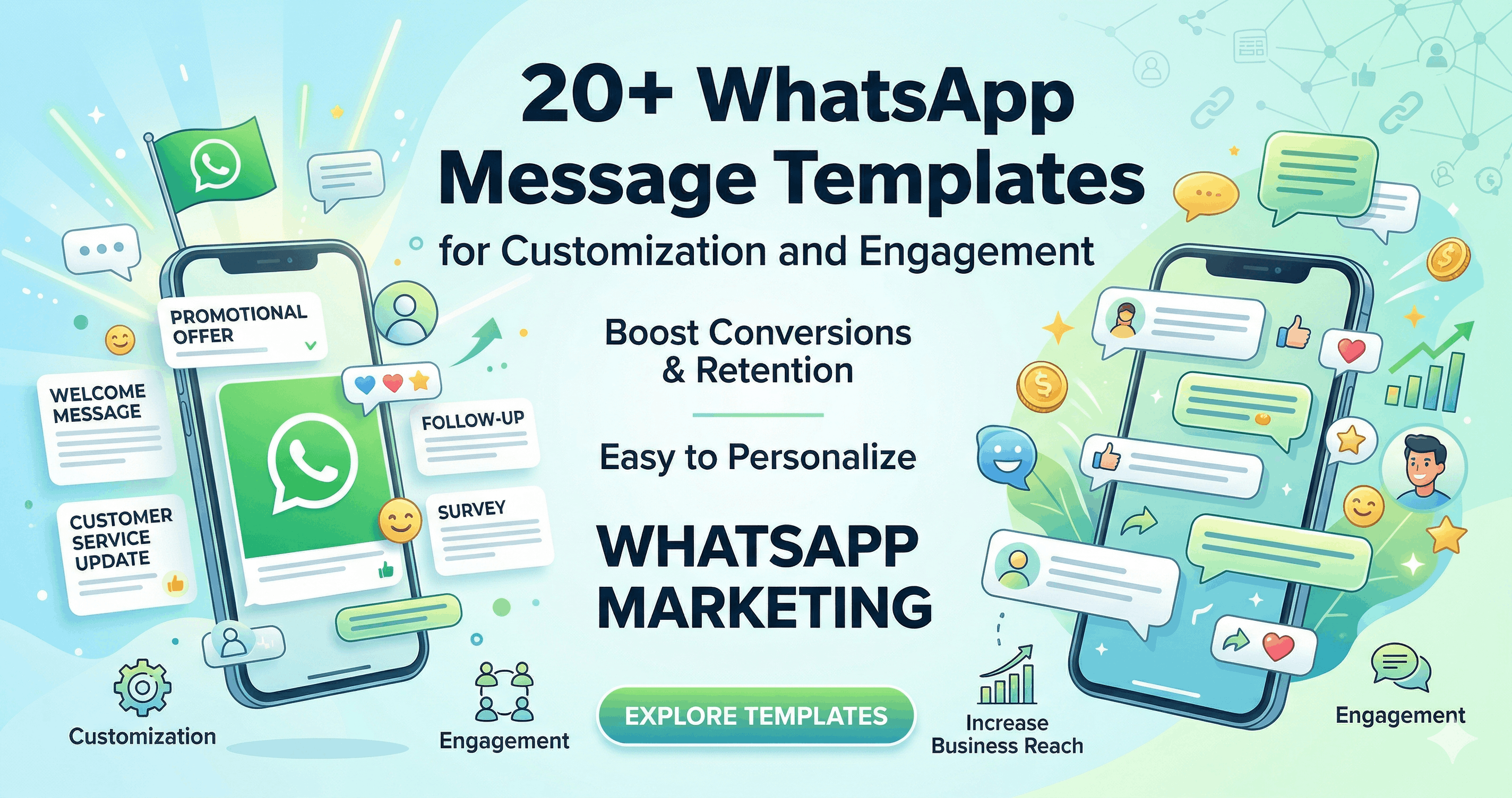
20+ WhatsApp Message Templates for Customization and Engagement
In today’s hyper-connected digital landscape, reaching your customers where they already spend their time is the golden rule of marketing. With over two billion active users worldwide, WhatsApp has evolved from a simple personal messaging app into an indispensable tool for business communication, sales, and customer support.
However, simply having a WhatsApp Business account isn't enough. The true magic happens when you leverage customized, highly engaging message templates that resonate with your audience, spark conversations, and drive conversions.
Whether you are launching a new product, recovering abandoned carts, or asking for valuable feedback, having a repository of ready-to-use templates can save you hours of work while ensuring your brand voice remains consistent.
In this comprehensive guide, we will explore 20+ customizable WhatsApp message templates designed to skyrocket your engagement rates, along with actionable tips on how to implement them effectively.
Why WhatsApp Message Templates Matter
Before diving into the templates, it’s crucial to understand why you should use them.
Consistency: Templates ensure that every team member communicates with the same brand voice, maintaining professionalism across all customer interactions.
Efficiency: Typing out repetitive messages is a drain on your resources. Templates allow you to respond to common queries in seconds.
Personalization at Scale: Modern WhatsApp marketing services allow you to use dynamic variables (like [Customer Name] or [Order Number]). This means you can send out thousands of messages that still feel like one-on-one conversations.
Higher Open Rates: WhatsApp boasts an open rate of over 98%. When you combine that unparalleled visibility with a well-crafted, customized template, your engagement metrics will soar.
The Ultimate List of 20+ WhatsApp Message Templates
To make this guide as practical as possible, the templates are divided into five key categories: Welcome & Onboarding, Promotional & Sales, Abandoned Cart Recovery, Customer Support, and Feedback & Loyalty. Remember to replace the bracketed text [like this] with your specific business variables.
Category 1: Welcome & Onboarding
First impressions matter. When a user opts into your WhatsApp list or signs up for your service, a warm, professional welcome sets the tone for the entire relationship.
1. The Standard Welcome
"Hi [Customer Name]! 👋 Welcome to [Your Company Name]. We are thrilled to have you here. To get started, check out our latest collections/services here: [Link]. If you have any questions, just reply to this message. We're always here to help!"
2. The Discount Incentive Welcome
"Welcome to the [Your Company Name] family, [Customer Name]! 🎉 As a big thank you for subscribing, here is a [Discount Percentage]% off promo code for your first purchase: [Discount Code]. Shop now: [Link]. Let us know if you need recommendations!"
3. Software/IT Service Onboarding
"Hi [Customer Name], welcome aboard! 🚀 Your account with [Your Company Name] is successfully set up. To help you get the most out of our IT solutions, we’ve put together a quick quick-start guide: [Link]. Reply 'HELP' if you need a quick walkthrough with our technical team."
4. The Lead Magnet Delivery
"Hello [Customer Name]! 👋 As promised, here is your free copy of [E-book/Guide Name]: [Link]. We hope you find it valuable! We will occasionally send you exclusive tips and updates here. If you ever want to opt-out, just reply 'STOP'."
5. The Appointment Confirmation
"Hi [Customer Name], this is a quick confirmation for your upcoming consultation with [Your Company Name] on [Date] at [Time]. 📅 Please let us know if you need to reschedule. Looking forward to speaking with you!"
Category 2: Promotional & Sales Offers
WhatsApp is a phenomenal channel for driving direct sales, provided you don't spam your audience. Use these templates to announce sales, new launches, and exclusive deals.
6. Flash Sale Announcement
"🚨 FLASH SALE ALERT! 🚨 Hi [Customer Name], for the next 24 hours, get up to [Discount Percentage]% off on all [Product/Service Category]! Stock is limited, so don't miss out. Claim your discount here: [Link]."
7. New Product/Feature Launch
"Big news, [Customer Name]! 🎉 We’ve just launched [New Product/Feature Name], designed specifically to help you [State Core Benefit]. Be one of the first to experience it. Check out all the details here: [Link]."
8. Seasonal Greetings & Offers
"Happy [Holiday Name], [Customer Name]! ✨ To celebrate the season, we are giving you a special gift: Buy one, get one free on selected items using the code [Code]. Treat yourself here: [Link]. Wishing you joy and prosperity!"
9. The VIP Exclusive Offer
"Shhh... this is just for our VIPs! 🤫 Hi [Customer Name], as one of our most valued clients, we are giving you early access to our upcoming [Event/Sale Name]. Click here to shop before anyone else: [Link]."
10. Restock Notification
"You asked, we listened! 📦 Hi [Customer Name], the [Product Name] you were looking at is finally back in stock. Grab yours before it sells out again: [Link]."
Category 3: Abandoned Cart & Follow-Ups
Cart abandonment is a massive hurdle in e-commerce and digital services. A gentle, well-timed WhatsApp nudge is highly effective at recovering these lost sales.
11. The Gentle Reminder
"Hi [Customer Name], looks like you left something behind! 🛒 Your [Product Name] is still waiting for you in your cart. Ready to complete your purchase? Click here to securely check out: [Link]."
12. The FOMO (Fear of Missing Out) Nudge
"Hi [Customer Name]! We noticed you left [Product Name] in your cart. Just a quick heads-up: we only have [Number] left in stock! ⏰ Secure yours now before they are gone forever: [Link]."
13. The Discount Recovery Nudge
"Hello [Customer Name]! Still thinking about the [Product Name]? We’d love to help you make up your mind. Use the code [Code] at checkout to get an extra [Discount Percentage]% off your cart! 🎁 Complete your order here: [Link]."
Category 4: Customer Support & Updates
Excellent customer service builds brand loyalty. Use these templates to keep customers informed about their orders, tickets, and accounts.
14. Order Confirmation
"Great news, [Customer Name]! 🎉 We have received your order #[Order Number]. We are currently processing it and will let you know as soon as it ships. Track your order status anytime here: [Link]."
15. Shipping Update
"Hi [Customer Name], your order #[Order Number] is on its way! 🚚 It has been dispatched via [Courier Partner] and is expected to arrive by [Estimated Delivery Date]. Track your package live here: [Tracking Link]."
16. Support Ticket Received
"Hello [Customer Name], we have received your support request regarding [Issue Summary]. Your ticket number is #[Ticket Number]. Our technical team is looking into this and will get back to you within [Time Frame]. Thank you for your patience!"
17. Out of Office / Auto-Reply
"Hi there! 👋 Thanks for reaching out to [Your Company Name]. We are currently offline. Our business hours are [Working Hours]. We have received your message and our team will get back to you as soon as we are back at our desks!"
Category 5: Feedback & Loyalty
Customer feedback is the lifeblood of business growth. Collecting reviews via WhatsApp yields a much higher response rate than email.
18. Post-Purchase Review Request
"Hi [Customer Name]! We hope you are enjoying your recent purchase of [Product/Service Name]. 🌟 We’d love to hear your thoughts! Could you take 60 seconds to leave us a quick review here? [Link]. Your feedback means the world to us!"
19. Net Promoter Score (NPS) Survey
"Hello [Customer Name]! On a scale of 1 to 10, how likely are you to recommend [Your Company Name] to a friend or colleague? Just reply with a number! 🔢"
20. Loyalty Program Invitation
"Hi [Customer Name]! You’ve been a fantastic customer, and we want to reward you. 🎁 Join our exclusive VIP Loyalty Program today to earn points on every purchase and unlock special discounts. Sign up for free here: [Link]."
21. Anniversary/Birthday Message
"Happy Birthday, [Customer Name]! 🎂 We hope your day is as amazing as you are. To celebrate, here is a special [Discount Percentage]% off gift voucher just for you: [Code]. Enjoy your special day!"
Pro Tips for Customization and Engagement
Having the right templates is only half the battle. To truly maximize your WhatsApp marketing strategy, you need to execute your campaigns with precision.
1. Always Personalize
Never send a generic "Hi there." Always use dynamic tags to pull the customer's first name. Contextual personalization—such as referencing their exact past purchase or their specific industry—dramatically increases the likelihood of a positive response.
2. Keep it Short and Conversational
WhatsApp is an instant messaging platform, not an email client. Keep your paragraphs short. Use emojis to break up text and add a human, friendly tone, but ensure the emojis align with your brand's professional image.
3. Include Clear Calls to Action (CTAs)
Every message you send should have a distinct purpose. Whether you want the user to click a link, reply with a specific word, or fill out a form, make sure your Call to Action is incredibly clear and easy to follow.
4. Respect the Opt-In (and Opt-Out)
Only message users who have explicitly opted in to receive WhatsApp communications from your brand. Furthermore, always provide an easy way to opt out (e.g., "Reply STOP to unsubscribe"). This protects your brand reputation and prevents your number from being flagged as spam.
5. Leverage Robust Marketing Tools
Managing these templates, scheduling campaigns, and personalizing messages at scale is nearly impossible to do manually from a standard phone. Leveraging a dedicated WhatsApp marketing service—like TheSMSBox—allows you to automate these workflows, organize your contact lists, set up auto-responders, and track your analytics effectively. Integrating the right IT solutions behind your marketing efforts ensures your campaigns run smoothly without technical hiccups.