SMS Marketing
May 5, 2026
TheSMSBox Team
WhatsApp Features Explained 2026: Latest Updates & How to Use Them
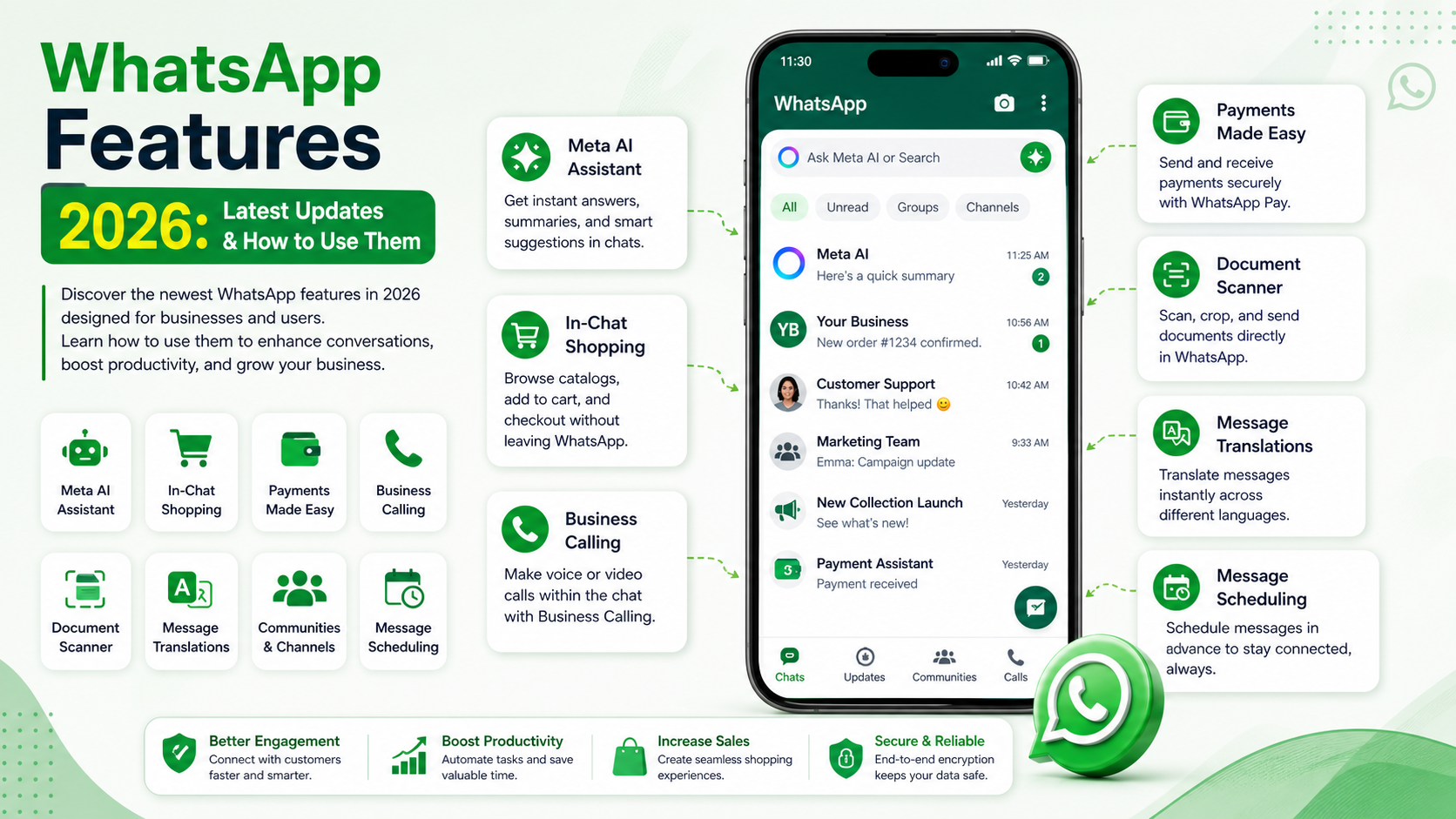
WhatsApp Features 2026: Latest Updates, Best Practices and More
Too Long? Read This First
Businesses can now use built-in AI to instantly draft on-brand replies, answer FAQs (like size queries or return policies), and summarize long chat histories for human agents.
Customers can browse catalogs and complete purchases directly inside WhatsApp using WhatsApp Pay—without leaving the app.
New updates include document scanning, WhatsApp Business calling, Live/Motion photo sharing, and AI-powered message translation.
Manage Click-to-WhatsApp ads across Facebook, Instagram, and WhatsApp from one Meta Ads Manager with automated budget optimization.
WhatsApp Business Platform pricing now follows a per-message model (introduced in 2025).
Premium features include message scheduling and pinning up to 3 chats by default, with extended pinning currently in beta.
Introduction
Your business might already be running sales and support conversations on WhatsApp—but without using the latest features, you could be missing out on speed, automation, and higher conversions.
In 2026, WhatsApp has evolved beyond a messaging app into a full-scale AI-powered, commerce-ready platform. Businesses can now automate conversations, personalize engagement, and even complete entire purchase journeys without leaving the chat.
Whether you’re using WhatsApp to acquire customers, share product catalogs, manage deliveries, or offer support, these latest features can significantly elevate your strategy.
Using the WhatsApp Business Platform ensures that your operations remain aligned with the latest innovations, security protocols, and compliance standards.
What Are the New WhatsApp Features for Businesses?
WhatsApp has rolled out a series of practical updates aimed at helping businesses improve communication, build trust, and streamline transactions.
These features make it easier to:
Communicate faster
Automate workflows
Enhance customer experience
Drive more conversions
1. Meta AI Inside WhatsApp
One of the biggest updates is the integration of Meta AI directly within chats.
This allows businesses to:
Instantly reply to FAQs
Draft personalized responses
Summarize long conversations
Generate quick content
Example:
A clothing brand can automatically respond to questions like “Do you have this in size M?” or “What’s your return policy?”—saving time and ensuring consistent messaging.
This feature acts like a 24/7 smart assistant, improving both speed and quality of responses.
2. AI Message Summaries & Writing Assistance
WhatsApp now offers:
Auto summaries of unread chats
Smart reply suggestions while typing
Example:
A support agent handling multiple queries can quickly review summarized chats about delayed deliveries or refunds and respond instantly with clear, professional replies.
This reduces response time and improves customer satisfaction.
3. Ads & Marketing Integration
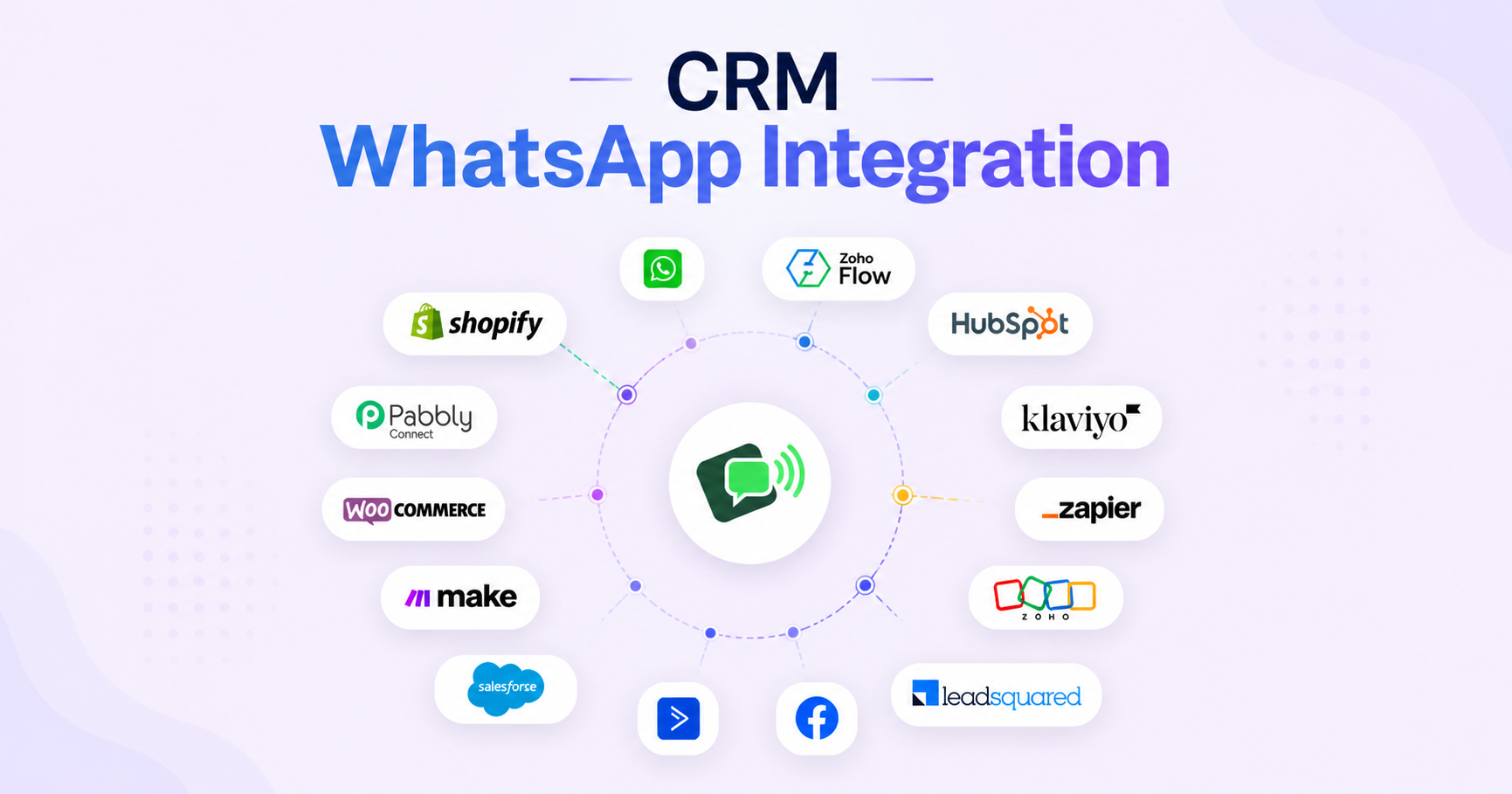
WhatsApp is now deeply integrated with Meta’s ad ecosystem.
Businesses can:
Run campaigns across Facebook, Instagram, and WhatsApp
Optimize budgets automatically
Use Click-to-WhatsApp ads to drive direct conversations
Example:
A café can run an Instagram Story ad with a “Message on WhatsApp” button, allowing customers to book tables instantly.
This turns WhatsApp into a high-conversion marketing channel.
4. Business Calling API
WhatsApp now allows businesses to initiate voice and video calls directly within chat threads.
Example:
If a customer’s issue becomes complex, an agent can switch from chat to a voice call instantly—without losing context.
This is especially useful for:
High-value sales
Technical support
Customer onboarding
5. Payments & Checkout Improvements
WhatsApp has made in-chat shopping smoother than ever.
Customers can:
Browse product catalogs
Add items to cart
Complete payments
—all within the same conversation.
Example:
A customer browsing a clothing catalog can complete their purchase using WhatsApp Pay without switching apps.
This reduces friction and significantly improves conversion rates.
6. Updated Pricing Model
WhatsApp Business Platform now follows a per-message pricing structure.
Marketing messages → charged
Authentication messages → charged
Service replies (within 24 hours) → often free or low-cost
This model helps businesses:
Predict costs better
Optimize messaging strategy
Scale efficiently
Latest WhatsApp Features for Sales Growth
1. Live & Motion Photos + AI Creativity
Send high-quality images without compression
Share Live/Motion photos
Use AI-generated chat themes
These features make communication more engaging and visually appealing.
2. Interactive Features
Animated stickers from videos
Polls and reactions
Improved group search
These help businesses create more interactive and engaging conversations.
3. Message Translation
WhatsApp now supports in-chat translation.
This is especially useful for businesses targeting multilingual audiences, as it removes language barriers and improves customer support.
4. Community Building
Businesses can now build communities through:
Groups
Broadcast channels
Interactive updates
This helps in:
Customer retention
Brand engagement
Direct communication
5. Personalization Features
Custom chat backgrounds
AI-powered themes
Branded communication
Personalization improves brand identity and customer trust.
6. Document Scanning
Businesses can scan, crop, and send documents directly within WhatsApp.
This is useful for:
Invoices
Contracts
Forms
It simplifies workflows and saves time.
How to Access These Features
To access all new features:
Update WhatsApp to the latest version (Android/iOS)
Enable business tools if using WhatsApp Business
Security remains strong with end-to-end encryption, ensuring safe communication.
Tips to Get the Most Out of WhatsApp Features
Keep your business profile updated
Use AI tools for faster replies
Leverage channels for updates
Enable message translation for global audiences
Maintain strong privacy settings
Use interactive elements like buttons and polls
Scale Your Business with thesmsbox
Managing all these advanced features—AI automation, calling APIs, analytics, and messaging costs—can be challenging on the standard WhatsApp app.
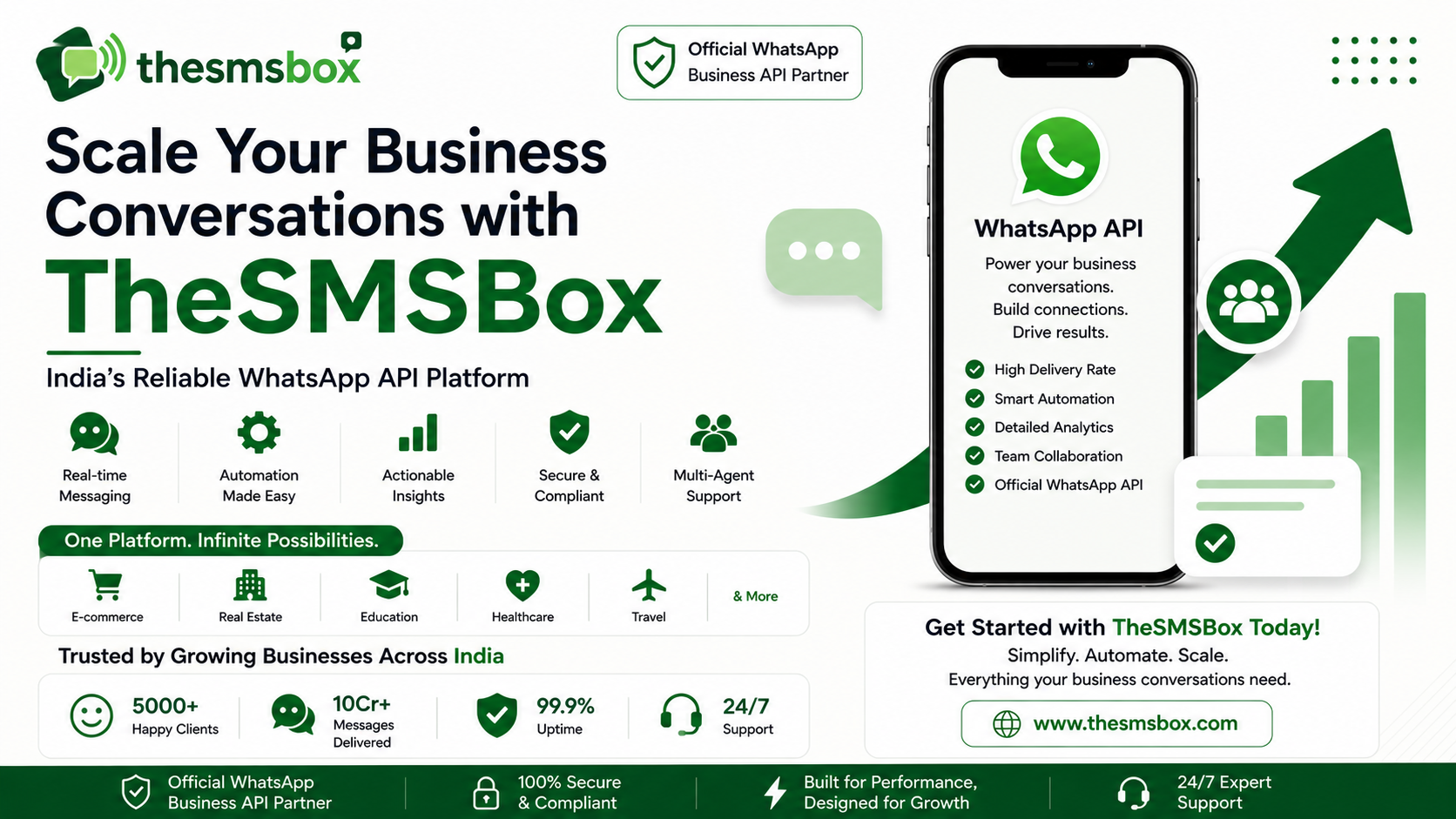
thesmsbox, built on the WhatsApp Business API, simplifies everything into a single, powerful dashboard.
With thesmsbox, you can:
Automate customer conversations
Run targeted broadcast campaigns
Track performance with advanced analytics
Manage team collaboration with a shared inbox
This allows businesses to scale faster while maintaining a personalized customer experience.
Conclusion
WhatsApp in 2026 is no longer just a messaging platform—it’s a complete business ecosystem.
From AI automation and in-chat payments to marketing integrations and analytics, WhatsApp offers everything businesses need to grow.
To stay competitive, businesses must adopt these features and use them strategically.
Choosing the right tools—like thesmsbox—can help you unlock the full potential of WhatsApp and drive long-term growth.
FAQs
1. What are the main benefits of Meta AI in WhatsApp?
It helps automate replies, summarize chats, and improve efficiency.
2. How does WhatsApp pricing work?
It follows a per-message model with different costs for marketing and service messages.
3. Can customers pay directly on WhatsApp?
Yes, in supported countries like India, Brazil, and Singapore.
4. What is the Business Calling API?
It allows switching from chat to voice/video calls instantly.
5. Are premium features available to all users?
Some features like scheduling and extended pinning are still in beta.
6. How to edit or delete messages?
Tap and hold a message to edit or delete it within the allowed time.